


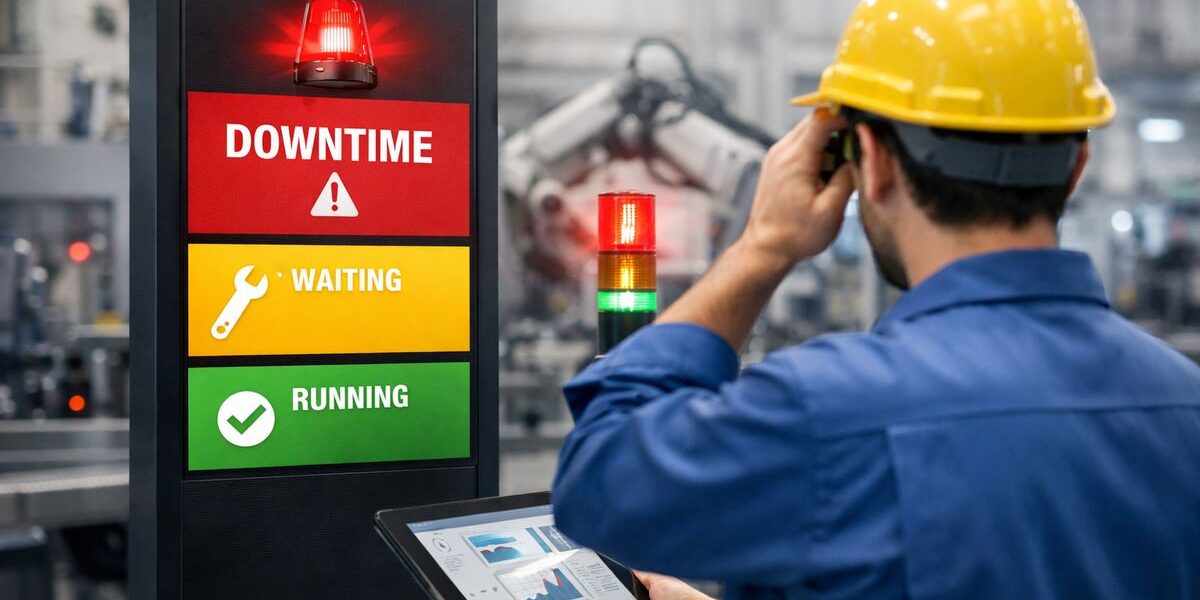
Factory downtime is any stretch when production slows, stalls, or stops because something in the process cannot keep moving. If you want to cut factory downtime, the fastest gains often come from a simple truth: the problem is not just the breakdown, it is the delay between someone noticing it and the right person doing something about it.
What factory downtime really means
Factory downtime sounds like a machine issue, but the plain-English version is broader than that. It includes any lost production time caused by a breakdown, a wait, a missing input, a system failure, or a support delay. If the line is not producing at the pace it should, downtime is already happening.
That matters because output loss rarely shows up as one dramatic event. More often, it leaks away in short stops, slow restarts, changeover drag, and repeated calls for help. A line that pauses six times for eight minutes each has a downtime problem, even if no single event feels huge in the moment.
Planned vs. unplanned downtime
Planned downtime is the kind you expect. Scheduled maintenance, equipment upgrades, cleaning windows, and changeovers all fit here. You make room for them because they support long-term performance, even though they still reduce available production time.
Unplanned downtime is the ambush. A motor trips, a barcode scanner stops syncing, a material cart never arrives, or an operator raises a hand and waits too long for support. That is the version that catches your operation flat-footed and usually costs more because it disrupts labor, schedules, and downstream commitments all at once.
You need to track both. If you only watch surprise breakdowns, you miss the output lost to slow changeovers, poorly timed maintenance, or repeated startup delays after scheduled stops.
Why downtime is no longer just a machine problem
Here’s the thing: a machine can be mechanically fine and still be part of a downtime event. Modern production depends on software, networks, MES connections, ERP transactions, printers, scanners, and the people who respond when any of that goes sideways.
That changes the leadership question. Instead of asking only, “What failed?” you also need to ask, “Who knew, how fast did the signal move, and how long did it take to get the issue owned?” A running asset still loses time if the right alert never reaches the right person.
Where response time gets lost on the factory floor
Most delays follow the same messy path. Someone notices a problem. Someone reports it. Someone else interprets it. Then it gets routed, clarified, maybe rerouted, and eventually somebody acts. By then, minutes are gone.
Response time is a hidden layer of factory downtime because it feels administrative, not operational. But on a live floor, that distinction does not matter. Lost minutes are lost minutes.
The handoff problem: noticing is not the same as fixing
A lot of plants still rely on whiteboards, radios, paper logs, overhead calls, or scattered texts. All of those can work, right up until they do not. Messages get missed, details get stripped out, and nobody is quite sure who owns the problem.
The catch is not always detection. Operators usually know when something is wrong almost instantly. The real gap is getting the right alert to the right person at the right moment, with enough context to act.
Small delays stack into expensive downtime
Picture a stoppage at 2:17 p.m. on a bottleneck packaging line. An operator notices a recurring scanner fault and flags a supervisor. Two minutes pass before the issue is reported. Five more minutes disappear while maintenance and IT each assume the other got the call. Another ten go by before somebody shows up with the right access and realizes the printer-scanner connection dropped during a network hiccup.
Nothing in that chain sounds dramatic. Together, it costs seventeen minutes on the line before real troubleshooting even starts.
That is how downtime gets expensive quietly.
What a digital ANDON system is
A digital ANDON system is a connected alerting and response tool that turns production issues into real-time workflows. In older lean environments, ANDON usually meant a light, cord, or button that made a problem visible. The digital version keeps that visibility, but adds routing, escalation, tracking, and history.
Think of it like the difference between a doorbell and a smart dispatch system. One tells you something happened nearby. The other tells the right person exactly where to go, why, and how long the issue has been waiting.
From stack lights to connected alerts
Traditional ANDON came from visual management. A tower light turns red, yellow, or green. A cord gets pulled. Somebody nearby notices and responds. That local signal still has value, especially on noisy floors where immediate visual cues matter.
The digital upgrade pushes that signal beyond line of sight. Alerts can trigger software workflows, mobile notifications, dashboards, emails, Teams messages, or text messages. You also get timestamps, issue categories, and visibility across lines, shifts, or plants.
Core parts of a digital ANDON setup
At its simplest, a digital ANDON setup has a trigger source, alert rules, escalation logic, dashboards, acknowledgement, and reporting. The trigger source is how the issue starts, maybe a button press, a PLC signal, a touchscreen entry, or a machine event. Alert rules decide who gets notified based on location, issue type, or severity.
Escalation logic answers a very practical question: what happens if nobody responds. Dashboards show the live status of open issues. Acknowledgement confirms that someone owns the event. Reporting turns all of that into usable history, so you can see not just what failed, but how your operation responded.
How digital ANDON fits into AI-ready operations
If AI is on your roadmap, digital ANDON gives you the raw material that makes later AI useful instead of decorative. Clean event data, accurate timestamps, issue categories, response history, and escalation paths create structure.
The All-in-One AI Platform for Orchestrating Business Operations
 Instantly create & manage your process Use AI to save time and move faster Connect your company’s data & business systems
That structure matters because AI needs patterns, not anecdotes. Once your operation captures repeatable incident data, you can start using it for smarter routing, delay prediction, recurring fault detection, and priority recommendations. First get clean signals. Then get smarter with them.
How digital ANDON cuts response time
This is the real payoff. Digital ANDON shrinks the gap between problem detection and action, which is one of the fastest ways to reduce factory downtime without waiting for a full transformation project.
Instant routing beats manual chasing
Instead of forcing somebody to figure out who to call, digital ANDON routes the alert based on the issue itself. A mechanical jam goes to maintenance. A labeling outage goes to IT or controls. A missing pallet trigger goes to materials. A quality drift flag goes to quality support.
That sounds simple because it is. And simple wins on the floor. Your team stops burning time on the “who owns this?” step.
Escalation rules keep issues from going stale
If no one acknowledges an alert within a set window, the system escalates automatically. Maybe it moves from technician to supervisor after three minutes, then to the next support tier after seven. That keeps issues from sitting in a blind spot during lunch, shift changes, or overnight coverage gaps.
Without escalation, unresolved alerts depend too much on memory and heroics. With it, the process keeps moving even when people are busy.
Shared visibility changes behavior fast
Live dashboards and status boards do something powerful: they remove ambiguity. Everyone can see whether an issue is new, assigned, in progress, or closed. That cuts duplicate work, reduces status-chasing, and makes handoffs cleaner.
It also changes behavior faster than policy memos ever do. Once response times are visible, ownership becomes clearer almost immediately.
Better data makes the next response faster too
Digital ANDON does more than speed up one event. It leaves behind a timestamped trail that shows where time actually went. Maybe maintenance responds quickly, but acknowledgement lags on second shift. Maybe one line generates constant material calls every Tuesday afternoon. Maybe IT-related stoppages take longer to classify because issue categories are too vague.
That is where the bigger value shows up. You stop arguing from gut feel and start fixing repeat patterns that cause recurring factory downtime.
The downtime causes digital ANDON helps most
Digital ANDON is not a magic fix for every root cause. It will not repair a failed bearing or rewrite a bad process by itself. What it does extremely well is shorten the path from disruption to action.
Equipment faults and maintenance calls
Machine jams, overheat alarms, sensor failures, and cycle faults all benefit from faster triage. Instead of waiting for a chain of calls, maintenance gets a direct signal with location and issue type attached. That leads to quicker response and better first-touch diagnosis.
Quality issues and operator help requests
When an operator spots defect drift or missing work instructions, speed matters because scrap spreads fast. A digital ANDON alert can pull in the right support before a small quality problem turns into a large containment exercise.
Material shortages, changeovers, and internal bottlenecks
Some downtime is really waiting disguised as production. A line-side shortage, delayed forklift, or setup support request can stall output just as effectively as a mechanical fault. Targeted alerts work better than broad calls into the void.
IT and OT incidents that stall production
This one gets overlooked constantly. MES lag, scanner failures, label printer outages, unstable Wi-Fi, and broken integrations can stop production even when every machine is technically healthy. If your line depends on software to move product, software incidents are production incidents. Digital ANDON helps because it treats those events as response workflows, not side conversations.
What to look for in a digital ANDON platform
If your goal is cutting response time, the right platform needs to be easy under pressure, flexible in routing, connected to existing systems, and honest in reporting.
Fast setup for operators, not just engineers
During a real stop, nobody wants a complicated interface. Touchscreens, tablets, mobile access, and clear issue categories matter because the system only works if operators can use it in seconds.
Flexible workflows and escalation paths
Alerts should route by line, machine, issue type, shift, and role. One-size-fits-all notifications usually become background noise, and noise is just another form of delay.
Integrations with the systems you already use
Look for connections to MES, CMMS, ERP, email, SMS, Teams, Slack, PLC signals, and historian data. The trick is not replacing everything. It is connecting the response chain you already have.
Reporting that shows time-to-acknowledge and time-to-resolve
Incident counts are not enough. You need response metrics that show how long alerts sat, how fast ownership happened, and how long resolution took. That is how you tie the system back to measurable downtime reduction.
Common misconceptions about digital ANDON
A lot of hesitation comes from old assumptions.
“ANDON is just a light tower”
A light tower is only the visible tip of the idea. Digital ANDON adds routing, escalation, event history, and analysis. The signal becomes a workflow.
“This is only useful for lean factories”
Any plant with recurring stoppages, cross-team dependencies, or messy support handoffs can benefit. In fact, less mature environments often see value faster because the current response path is already so fragmented.
“If you have predictive maintenance, you do not need ANDON”
Predictive maintenance tries to catch failures before they happen. ANDON manages the real-time response when something still needs attention. One helps you see around corners. The other helps you move faster when the corner still hits you.
“More alerts will just create more noise”
Bad alerting creates noise. Smart routing reduces it. When alerts are tied to issue types, thresholds, ownership rules, and escalation timing, you get fewer blanket interruptions than with radios, calls, and group texts.
How to start without overcomplicating it
The best rollout is usually smaller than expected.
Pick one line, one shift, and one painful delay
Start with a single bottleneck line and one recurring support problem, such as maintenance response on second shift. A narrow pilot gives you cleaner before-and-after data and faster buy-in because everybody can see the result.
Track a few metrics before and after
Measure time to alert, time to acknowledge, time to resolve, repeat incident rate, and total stoppage minutes. Those numbers tell a clear story without burying you in reporting.
Use the pilot to build your AI roadmap
A focused ANDON rollout gives you structured event data that can support larger automation and AI plans later. That is the right order. Get the signal path clean first, then build intelligence on top of it.
What should you try first?
Try one recurring stoppage where the response path is messy, slow, or full of guesswork. Map how the alert moves today, from operator to resolution, then compare that with how it should move in a digital ANDON workflow. Once you see that gap clearly, the case for change usually stops being theoretical and starts looking like reclaimed production time.
